Small business decision guide
Is Receipt Vault right for your business?
Receipt Vault is a good fit for owners and freelancers who want a private, searchable receipt archive on one iPhone. It is not a replacement for accounting software, bank feeds, team approvals, or automatic tax filing.
Reviewed for the current Receipt Vault iPhone app. Last updated August 1, 2026 by the Receipt Vault product team.
Choose it when proof matters
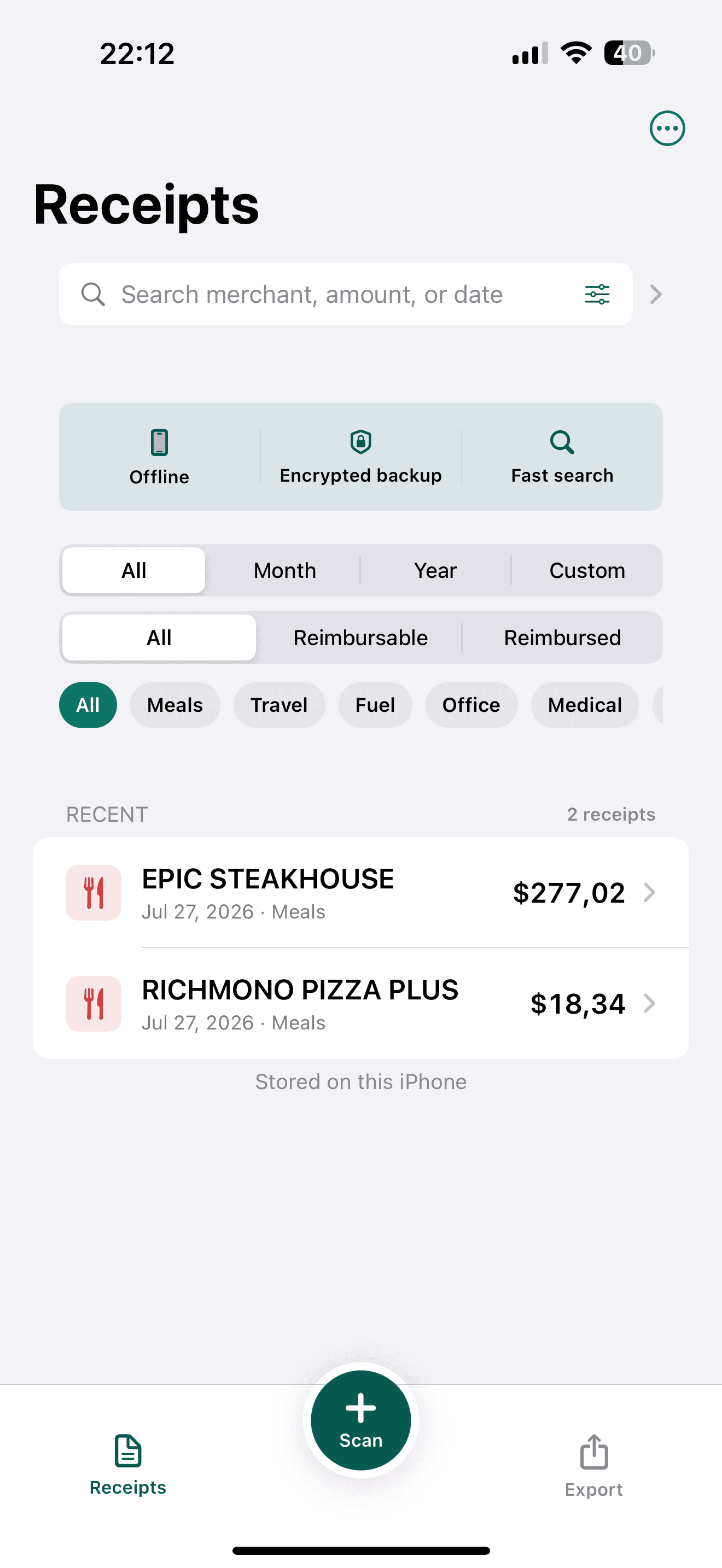
Receipt Vault keeps the original receipt image connected to editable OCR fields. Search can bring you back to the proof when bookkeeping, reimbursement, a return, or a warranty requires it.
- No Receipt Vault account
- No bank connection
- On-device OCR with manual review
- CSV, PDF, and ZIP export
Choose another tool when the workflow is collaborative
A cloud expense or accounting platform is usually a better fit when several employees submit expenses, managers approve claims, or bank feeds and accounting integrations are required.
- No team approval workflow
- No bank feed
- No automatic tax filing
- No automatic cross-device sync
Understand the cost before committing
The first 30 saved receipts are free. Continued unlimited storage uses a monthly or yearly Pro subscription. Apple displays the current local price before purchase. Existing Lifetime Pro customers keep permanent access.
- 30 saved receipts free
- Local price shown by Apple
- Monthly or yearly Pro
- Legacy Lifetime access remains valid
What Receipt Vault does not promise
OCR is not guaranteed to be perfect. Receipt Vault is not accounting, tax, legal, or financial advice, and it does not automatically sync across devices.
Questions before you decide
Can Receipt Vault replace QuickBooks or another accounting platform?+
No. Receipt Vault organizes and exports receipt records. It does not connect to banks, reconcile accounts, calculate tax returns, or file taxes.
Can I correct an incorrect receipt total?+
Yes. OCR reduces manual entry, but you should review important values and edit any incorrect merchant, date, total, tax, or currency before relying on the record.
Can I import receipt PDFs?+
Not directly. Scan a paper receipt or import a receipt image or screenshot from Photos.