Scan or import
Paper receipts and receipt images from Photos.
 Receipt Vault
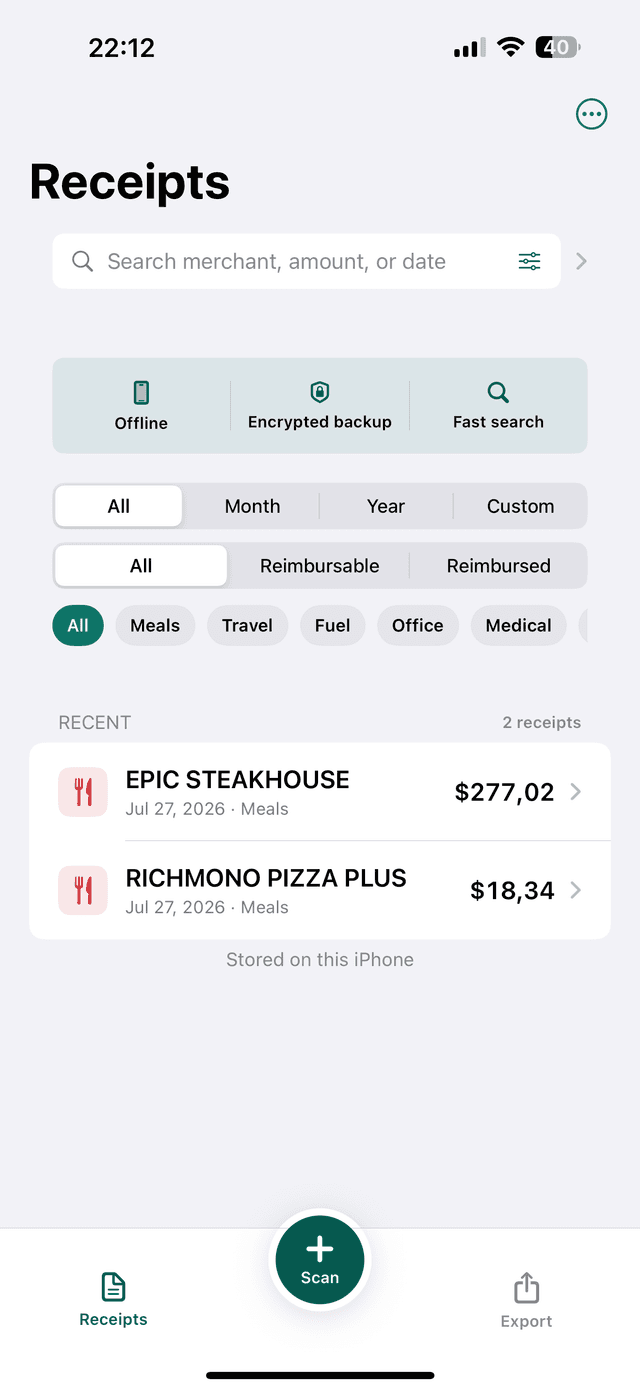
Private, offline receipt archive for iPhone
Scan paper receipts or import payment screenshots. Review merchant, date, currency, and total after on-device OCR, then search or export the original proof when you need it.
 No account
 No bank connection
 Encrypted backup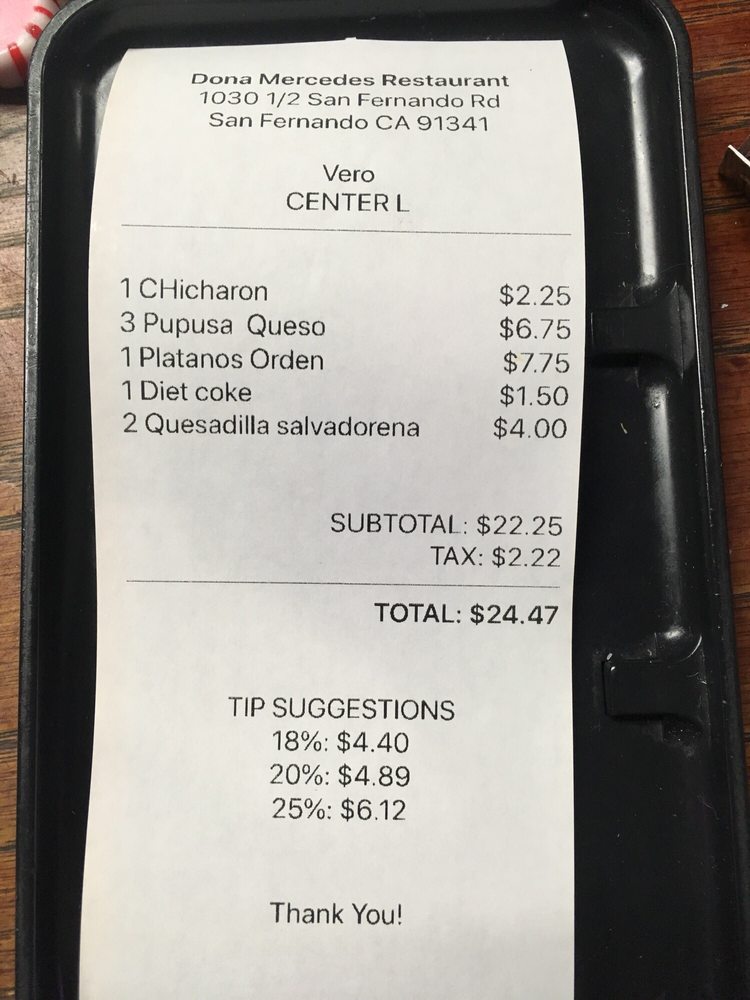
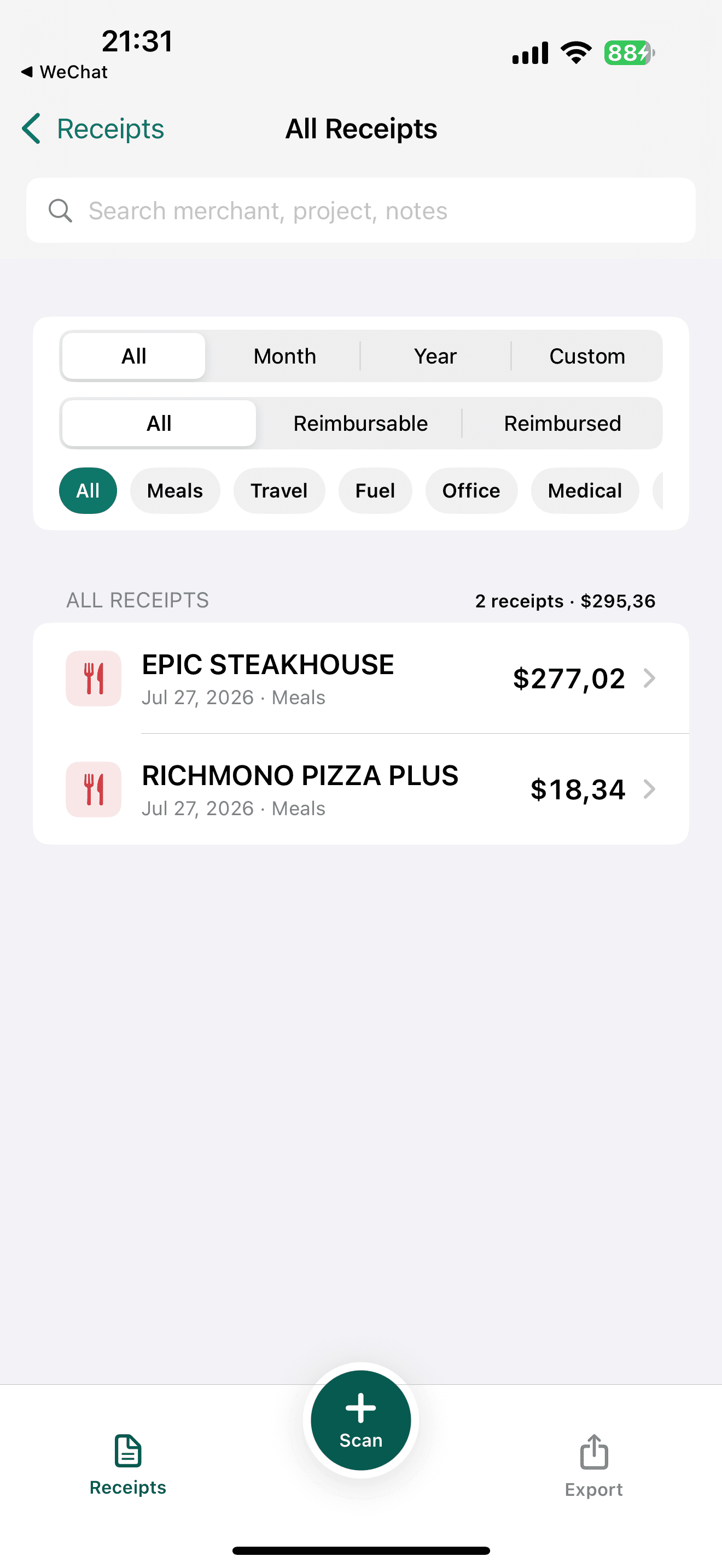
Paper receipts and receipt images from Photos.
Merchant, date, currency, and total.
Search, CSV, PDF, ZIP, or encrypted backup.
One short workflow
Receipt Vault keeps the original image beside the fields you review. OCR is an aid, not a promise: check critical values before saving.
See supported receipt types →
Private by default
No Receipt Vault account and no bank connection. Core recognition and organization happen on your iPhone. You decide when a file leaves the app.
Before you start
Start a private, searchable archive on your iPhone.
Receipt images, OCR text, categories, and notes are stored locally on your iPhone. Receipt Vault does not require an account or upload your archive to our server. Data leaves the app only when you choose to export, share, or save a backup elsewhere.
Scan a paper receipt or import an existing image, review the key fields, then add a category, project, client, or note. Receipt Vault keeps the original image with the searchable record so you can retrieve both the details and the proof later.
No OCR is perfect. Receipt Vault extracts fields on device, but faded print, folds, shadows, and unusual layouts can affect results. Review the merchant, date, currency, tax, and total against the original image before saving or exporting important records.
Yes. Keep the original image, merchant, date, total, tax, category, and notes together, then search and export selected records for tax preparation or reimbursement. Whether a scan is acceptable and how long to keep it depends on your jurisdiction and circumstances; check current official rules or a qualified tax professional.
It can help freelancers and small-business owners organize receipt images by merchant, date, category, project, client, notes, and reimbursement status, then search or export selected records. It is a receipt archive, not accounting software, and it does not calculate or file taxes.
Yes. Receipt Vault supports CSV export. Pro tools can also create PDF reports and ZIP packages containing receipt data and images. These exports help prepare and share records; they do not provide tax advice or guarantee tax compliance.
 Open on the App Store