Receipt privacy checklist
Are receipt scanner apps safe? Check where your records go.
A receipt scanner is only as private as its storage, OCR, account, bank-access, backup, and sharing choices. Local processing can reduce cloud exposure, but no app can remove risks such as device loss, weak backup passwords, or intentional exports.
Based on the current Receipt Vault workflow and privacy policy. Last updated August 1, 2026 by the Receipt Vault product team.
Ask what happens before the scan
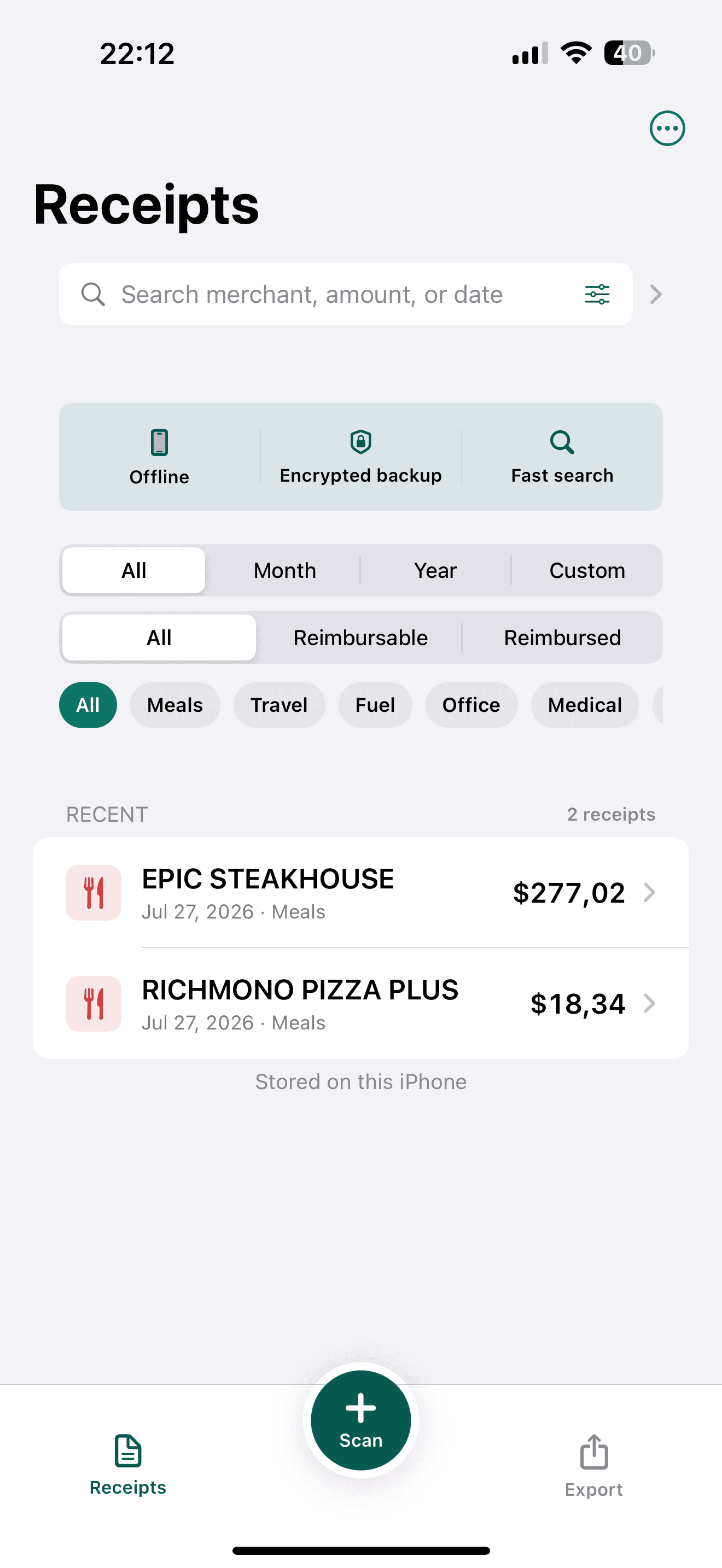
Check whether the app requires an account, requests bank access, or uploads images for recognition. Receipt Vault does not require a Receipt Vault account or bank connection, and its receipt OCR runs on the iPhone.
- Account requirement
- Bank permissions
- OCR processing location
- Required network access
Ask how the archive leaves the phone
Receipt Vault stores its working archive locally. Data leaves when you intentionally export, share, or save a backup to another destination. The privacy of that destination then matters too.
- CSV, PDF, and ZIP exports
- Password-protected backup files
- Chosen cloud or file destination
- People you share records with
Plan for device loss and recovery
Local storage reduces routine server exposure, but it makes backup discipline important. Use the device lock, protect backup passwords, and keep a recoverable backup where appropriate.
- Face ID or device authentication
- Strong backup password
- Known backup location
- Tested restore process
What Receipt Vault does not promise
OCR is not guaranteed to be perfect. Receipt Vault is not accounting, tax, legal, or financial advice, and it does not automatically sync across devices.
Questions before you decide
Does Receipt Vault upload receipts for OCR?+
The core receipt OCR workflow runs on the iPhone. Records may leave the device only when you choose to export, share, or save a backup elsewhere.
Does Receipt Vault connect to my bank?+
No. A bank connection is not required or supported.
Does local storage mean there is no risk?+
No. Device loss, unauthorized device access, weak backup passwords, and insecure export destinations still need to be managed.