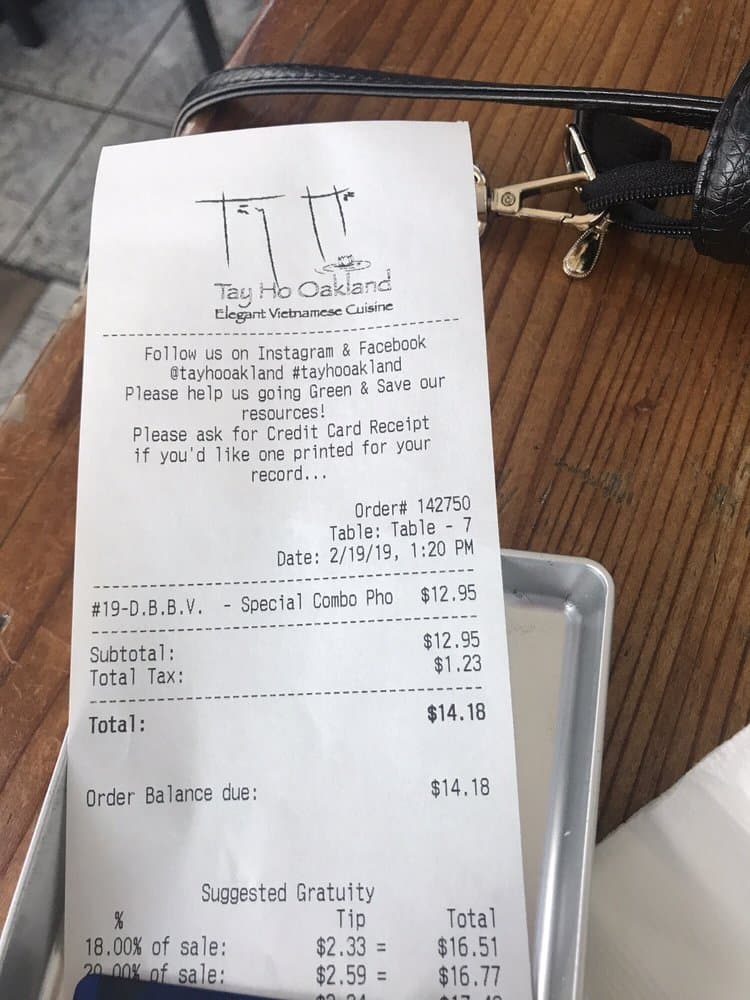
Paper receipts
Scan store, restaurant, fuel, hotel, and other paper receipts with the iPhone camera.
 Receipt Vault
Supported inputs
Receipt Vault can scan paper receipts with the camera and import existing receipt images. It then uses on-device OCR to create editable fields while keeping the original image attached.
Scan store, restaurant, fuel, hotel, and other paper receipts with the iPhone camera.
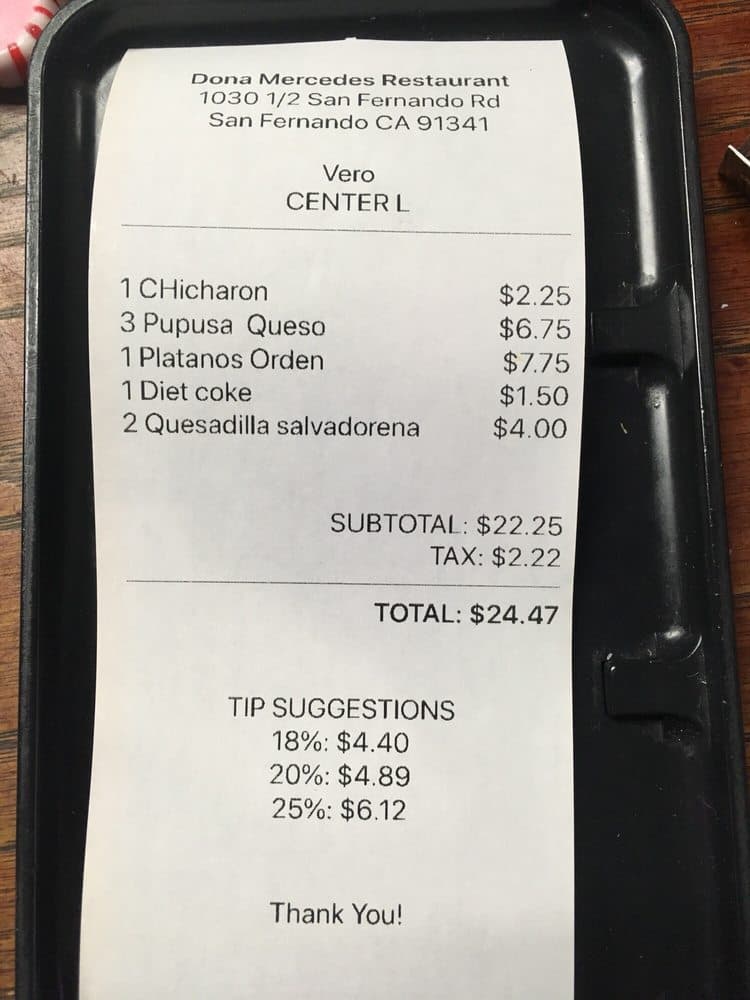
Import receipt images already saved in Photos instead of scanning them again.
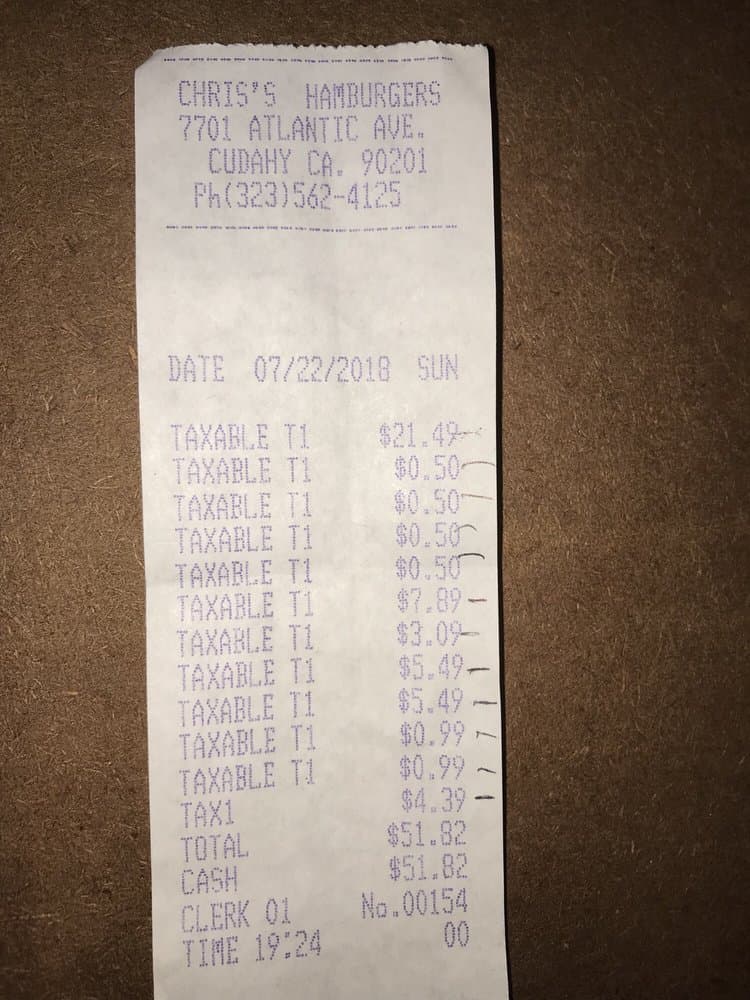
Keep merchant, date, total, tax, notes, and the original proof together for meals and client expenses.
Organize transport, fuel, hotel, and travel proof by date, category, project, or client.
Save purchase proof so returns, warranties, and expense records are easier to retrieve later.
Import a screenshot or image, then review recognized fields before saving. Direct PDF import is not currently supported.
Recognition limits